The 2026 Web Design Trends

Discover how AI and human-centric design are redefining user trust in 2026.
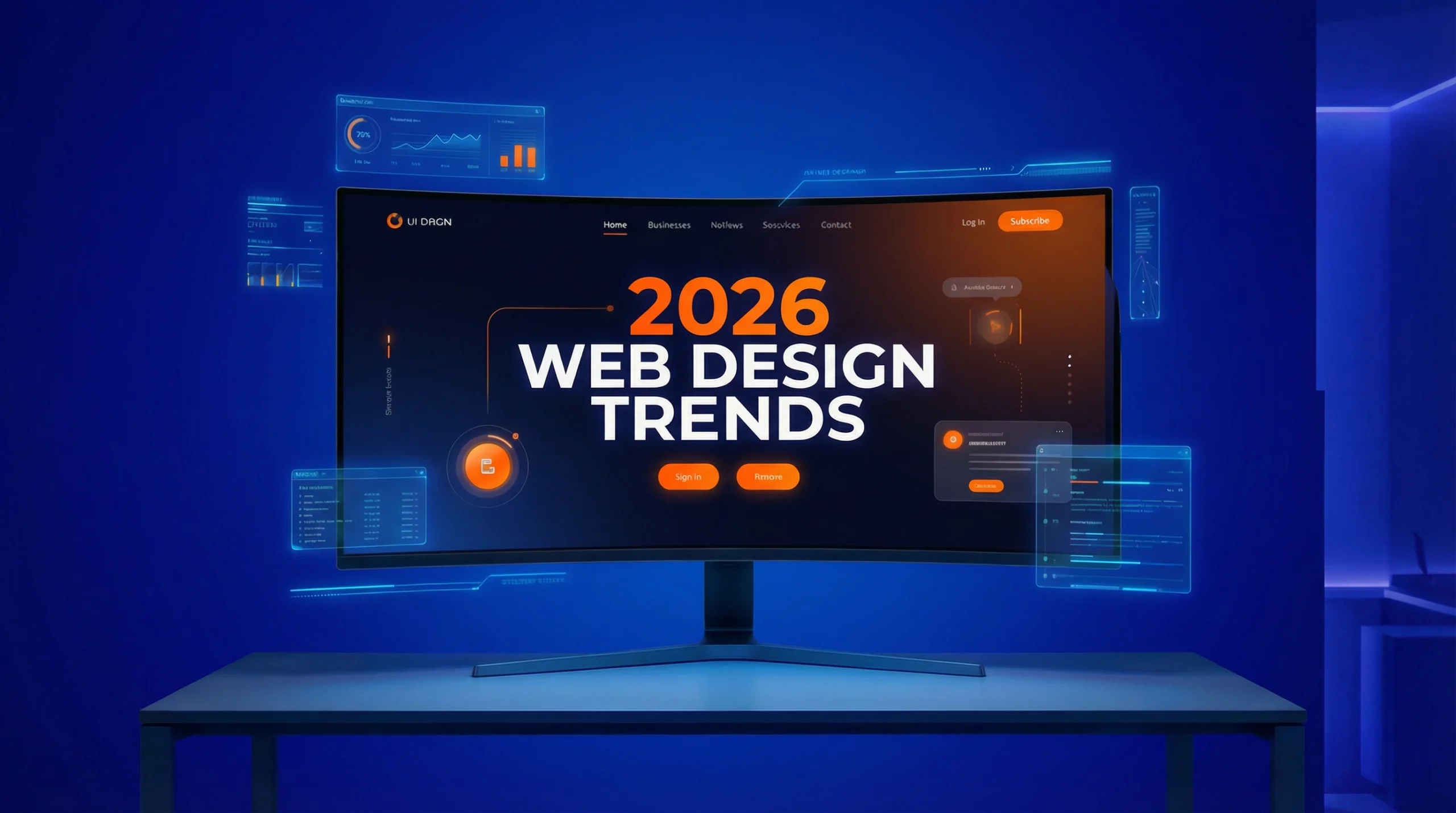
Table Of Contents

A curved widescreen monitor displaying a bold "2026 Web Design Trends" website hero screen with orange and white typography, surrounded by floating holographic UI panels and data dashboards on a royal blue background — Fox and Lee
Design trends on the web are always changing.

In 2026, it’s all about advancements in artificial intelligence (AI), a higher focus on user trust, and more human-centric digital experiences.

This guide is for Australian small business owners and marketing leaders who need to know where it’s going for their next website redesign.

The Guiding Web Design Principles for 2026

There is digital noise and AI-generated content everywhere, making ‘trust’ the most valuable aspect of winning customers online.

For Australian businesses, particularly in sectors like finance, health, and legal services, building and maintaining trust is paramount.

The most successful websites will be those that integrate new innovations within established UX frameworks. Users shouldn’t have to relearn how to navigate a website every time they visit a new one.

Key Numbers
  1. Mobile Dominance: 63% of all global web traffic is on mobile devices — and that gap keeps widening. If your website isn't built mobile-first, you're already behind the majority of your audience.
  2. Core Web Vitals & SEO: 53% of mobile site visitors will leave a page that takes longer than three seconds to load. Every second of delay can cost you customers.
  3. AI Adoption: 88% of companies worldwide have now implemented AI in at least one business function. Businesses are no longer experimenting with AI; they're deploying it to make websites faster, smarter, and more personalised.
The goal is to be up-to-date with the times without sacrificing the familiar patterns that make a website easy to use.

What web design trends to expect in 2026?

Here are the key trends that will define web design in 2026:

1. AI Generative Imagery

AI is reshaping web design. It is evolving from a content generator into a “creative co-designer.”

Forget generic stock photos. In 2026, AI-powered image generation tools allow businesses to create unique, high-quality, and on-brand visuals that resonate with their target audience.

From detailed, stylised illustrations to hyper-realistic product visualisations.

The Ezy Systems website, built by Fox & Lee — using existing website imagery recreated with AI to produce high-quality, on-brand visuals across desktop and mobile.

Ezy Systems website mockup on tablet and mobile showing AI-enhanced product imagery, built by Fox & Lee web design Melbourne - Fox and Lee
That said, authenticity will always beat generative images. You always want to use real photos over AI generation where possible.
The Fox & Lee Verdict: Use with caution.
  • AI is a powerful tool for expanding backgrounds or creating stylised assets when you lack resources, but it carries a “trust tax.”
  • For medical practices or local trades, a slightly imperfect photo of your actual team builds far more trust than a polished, fake AI-generated image.
  • Use AI to assist, never to deceive.

2. The “3-Second Rule”

The era of “browsing” is over.

In 2026, your customers are hunting for information, and they are doing it on screens smaller than a postcard.

With mobile devices now accounting for over 63% of all global web traffic, the margin for error has vanished. If a user cannot find what they need—a phone number, a 'Book Now' button, or a service list—within three seconds, they will bounce to a competitor.

Key things to beware of:

  • Visual Hierarchy: Don’t make users think. Use bold headings and strategic white space to guide the eye instantly to the most important information.
  • Thumb-Friendly Design: Key actions (like “Call Us”) must be easily clickable, even for a user on a job site with wet hands or a busy mum juggling a toddler.
  • Ruthless Editing: Every element on your homepage must earn its rent. If a photo or paragraph doesn’t help the user take the next step, remove it.
Mobile-first web design diagram showing responsive layout progression from smartphone to tablet to desktop - Fox and Lee
By designing for mobile first and saying more with less doesn’t need to mean bland or boring. Modern minimalism uses bold colour accents, strategic white space, and vivid contrasts to create visual interest without compromising simplicity. Every element on the page serves a clear purpose, and nothing is included just for decoration.
The Fox & Lee Verdict: Non-negotiable.
  • This isn’t just a trend; it is the golden rule of online growth.
  • In a mobile-first world, your customer shouldn’t have to scroll twice to find a “Get a Quote” button.
  • If the design gets in the way of the sale, the design has failed.

3. Dark Mode by Default

Dark mode has been growing in popularity for several years, and in 2026, it may become the default for many websites.

Dark mode can offer a more sleek, modern aesthetic and help reduce eye strain, making it more user-friendly than white screen counterparts. It also has practical benefits, such as conserving battery life on mobile devices with OLED screens.

But hard switching a website or brand can be disorientating, so there is a trend to include switching between light and dark based on user preferences or system settings (making it a personalised decision).

A well-designed dark mode uses carefully chosen colour schemes that reduce eye strain, improve readability, and maintain brand consistency. If it's a switch, it should also be seamless or sync with their device settings.

A professional website hero section, a Melbourne web design and digital agency - Fox and Lee
The Fox & Lee Verdict: Use sparingly.
  • While dark mode can signal 'High-Tech & Premium' for the right brand, it is not a one-size-fits-all solution.
  • Light mode remains the standard for familiarity and readability. Only switch to Dark Mode if you are intentionally positioning your brand as “disruptive” or “luxury.”
  • If in doubt, stick to white.

4. Increasing Time on Page by Scrollytelling

“Scrollytelling” is emerging as a powerful way to engage users and tell a compelling brand story.

This trend uses a combination of animation, video, and interactive elements to create a narrative that unfolds as the user scrolls down the page.

Illustration of a winding path representing scrollytelling web design, guiding users through an immersive narrative experience - Fox and Lee

However, it’s not for everyone and needs to be used delicately. The key to effective scrollytelling is balance. The animations and interactions should enhance the story, not distract from it.

Scrollytelling is most effective for long form content, that is better broken up - allowing you to guide the user through a journey and create a memorable, immersive experience.

Some examples might be:

  • Product Launches: A tech company could use scrollytelling to unveil a new product, revealing features one by one as the user scrolls, building anticipation and excitement.
  • Case Studies: A marketing agency could use scrollytelling to walk potential clients through a successful campaign, showing the challenge, the solution, and the results in a visually engaging way.
  • Brand Stories: A family-owned business could use scrollytelling to share its history, values, and mission, creating an emotional connection with visitors.

Every element should serve a purpose, and the overall experience should feel smooth and natural, not forced or gimmicky.

The Fox & Lee Verdict: Great for stories, bad for sales.
  • This technique is excellent for high-engagement product launches or detailed Annual Reports where you want to immerse the reader.
  • However, for service businesses (like Plumbers or Accountants) where the goal is a quick conversion, Scrollytelling often acts as a barrier.
  • Don’t make a customer watch a movie when they just want to book a job.

5. Details That Delight in Micro-Interactions

Micro-interactions are the small, subtle animations and feedback mechanisms that make a website feel alive and responsive.

A button that changes colour when you hover over it, a form field that shakes when you enter incorrect information, or a loading animation that makes wait times feel shorter—these are all examples of micro-interactions.

In 2026, micro-interactions are becoming more sophisticated and purposeful. They’re about improving usability and reducing the thinking required of website visitors.

Well-designed micro-interactions guide users through complex processes, confirm actions, and make the overall experience more intuitive and enjoyable. The key is to keep them lightweight and accessible, with options to reduce motion for users with vestibular disorders.

Dark-themed illustration of hands interacting with a glowing digital screen, representing micro-interactions in modern web design - Fox and Lee
The Fox & Lee Verdict: Nice to have, not a need to have.
  • While subtle animations (like a button hover) add a layer of polish for premium brands, they rarely drive revenue.
  • Focus on your site’s speed and message first. A button that “jiggles” is useless if it doesn’t clearly tell the user what happens next.
  • Prioritise clarity over decoration.

6. AI-Driven User Experience

In 2026, AI is no longer just a buzzword; it’s a practical toolkit for creating smarter, more personalised, and highly efficient user experiences.

This trend moves beyond basic chatbots to integrate AI into the very fabric of your website, making it more responsive to individual user needs.

AI-Powered Summaries

For content-heavy websites, such as blogs, news portals, or resource hubs, AI can provide concise summaries of long articles. This feature is a game-changer for time-poor users who want to quickly grasp the key takeaways before committing to a full read.

An AI-powered summary button, an example of AI-driven user experience in web design - Fox and Lee
By presenting a summary at the top of the page, you cater to modern reading habits and significantly improve information accessibility.
The Fox & Lee Verdict: Implement ASAP.
  • This is a massive win for user experience.
  • By offering an AI summary at the top of long-form content, you respect your user’s time and—crucially—you take immediate control of the narrative.
  • Frame the key takeaways exactly how you want them read before the user has a chance to skim and bounce.

Voice Search Optimisation

With the rise of smart speakers and voice assistants, optimising your website for voice search is no longer optional. This involves structuring your content to directly answer the kinds of questions users ask aloud.

Think in terms of natural language and conversational queries. For example, instead of targeting the keyword “best plumber Sydney,” you would optimise for a question like, “Who is the best plumber near me in Sydney?”

This requires a deep understanding of user intent and a content strategy that prioritises clear, concise, and direct answers.

The Fox & Lee Verdict: A crucial, but often overlooked, aspect of modern SEO.
  • Voice search is not a fad; it’s a fundamental shift in how users interact with the web.
  • Businesses that optimise for conversational queries will capture a growing and highly engaged audience.
  • Get this right, and you’ll be answering your customers’ questions before they even type them.

Dynamic Personalisation

Websites are becoming chameleons, able to dynamically adjust content, layouts, and recommendations based on a user’s browsing history, location, and on-site behaviour. This creates a more relevant and engaging experience for every visitor.

For an e-commerce site, this could mean showcasing products based on past purchases. For a B2B service provider, it might involve highlighting case studies from the visitor’s industry.

This level of personalisation makes users feel understood and valued, fostering a stronger connection with your brand.

The Fox & Lee Verdict: The future of conversion rate optimisation.
  • While complex to implement, dynamic personalisation offers an unparalleled competitive advantage.
  • Start small: personalise a headline or a call-to-action based on the user’s location or referral source. As you gather more data, you can build more sophisticated personalisation rules.
  • The goal is to make every visitor feel like the website was designed just for them.
Let's put this into practice

Your website should be working harder in 2026

Fox & Lee designs and builds custom WordPress websites that convert — backed by local SEO and Google Ads to make sure the right people find you. Let's talk about what yours could be doing better.
Share what you have discovered

You may also like…

© Fox & Lee Holdings Pty Ltd 2026