
SEO vs GEO vs AEO: What is the Difference?
See how SEO, GEO, and AEO help Melbourne businesses stay visible in AI search.

What Australian businesses need to know about WordPress in 2026 — from Full Site Editing and real-time collaboration to smarter WooCommerce and tighter security.
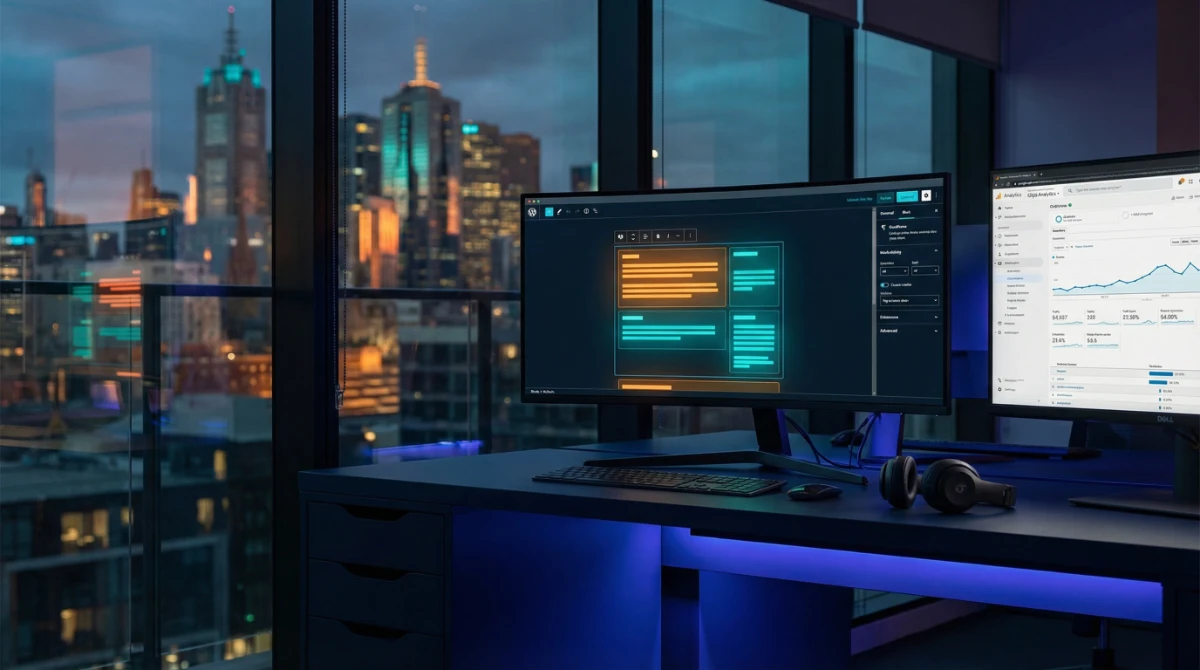
WordPress is the undisputed king of the internet. It powers over 43% of all websites worldwide.
But the WordPress of today is not the simple blogging platform you once heard of. It continues to evolve and today is a sophisticated business platform capable of handling almost anything.
This guide will walk you through the key WordPress development trends for 2026, what they mean for your business, and how to ensure your online presence is ready for the future.
Technology is always changing, but chasing every trend is a distraction.
To win in 2026, marketing leaders should filter every technical decision through three core mandates:
Gone are the days of waiting two weeks for a developer to change a headline.
Your website infrastructure must allow your marketing team to build landing pages and launch campaigns independently.
If you can't launch a campaign page in under 4 hours without writing code, your stack is obsolete.
With the recent governance shifts in the WordPress ecosystem, hosting is no longer just a utility—it is a boardroom risk factor.
You need a platform that guarantees uptime, security, and immunity from vendor politics.
Choose infrastructure (like Google Cloud) that protects your brand's reputation 24/7, not just cheap shared hosting.
Your website is no longer a digital brochure; it is the entry point for your entire sales pipeline.
It must push clean, attributed data directly into your CRM (HubSpot/Salesforce) so you can prove ROI to the board.
The Standard: "Data Integration" isn't a bonus feature; it's the baseline. If the form doesn't sync, the lead doesn't exist.

The most significant trend in WordPress development is the evolution of the core platform itself.
WordPress is in the midst of a multi-year transformation from a content management system (CMS) into a larger business platform. This is being driven by the Gutenberg project, a long-term initiative to modernise the WordPress editor and overall architecture.
Four phases transforming WordPress into a full business application platform — from block editing to native multilingual support.
Block Editor (Gutenberg) introduced in WordPress 5.0, replacing the classic editor entirely with a block-based content system.
Full Site Editing (FSE) launched in WordPress 6.3 — build and manage your entire site using blocks, including headers, footers, and page templates.
Real-time co-authoring coming to WordPress 7.0 — multiple team members can work on content simultaneously, eliminating clunky email-based approval processes.
Native multilingual support built directly into WordPress core — no third-party plugins needed. Big news for Australian businesses with international ambitions.
The Gutenberg Project for WordPress has four distinct phases. While Phase 1 (Easier Editing via the Block Editor) and Phase 2 (Customisation via Full Site Editing) have been officially completed, their features continue to be refined.
As of 2026, the WordPress core team is heavily focused on Phase 3, while laying the groundwork for Phase 4.
This will bring Google Docs-style real-time collaboration to the WordPress editor, allowing multiple team members to work on content simultaneously.
For businesses with content teams, this will be a game-changer, streamlining workflows and eliminating the need for clunky, email-based approval processes.
After that is Phase 4, which will bring multilingual support directly into the WordPress core.
This is big news for Australian businesses with international ambitions, as it will make it much easier to create and manage a multilingual website without relying on third-party plugins. It will stop those 'izes' that sneak into our Aussie content.
With WordPress 7.0 tentatively planned for 2026, we can expect these foundational changes to accelerate.
The long-term vision is for WordPress to become a true application platform, capable of handling everything from e-commerce and membership sites to complex business applications, all within a secure, stable, and user-friendly environment.
Building on this evolving core, a number of key development trends are emerging that will define how we build and manage WordPress websites in 2026.
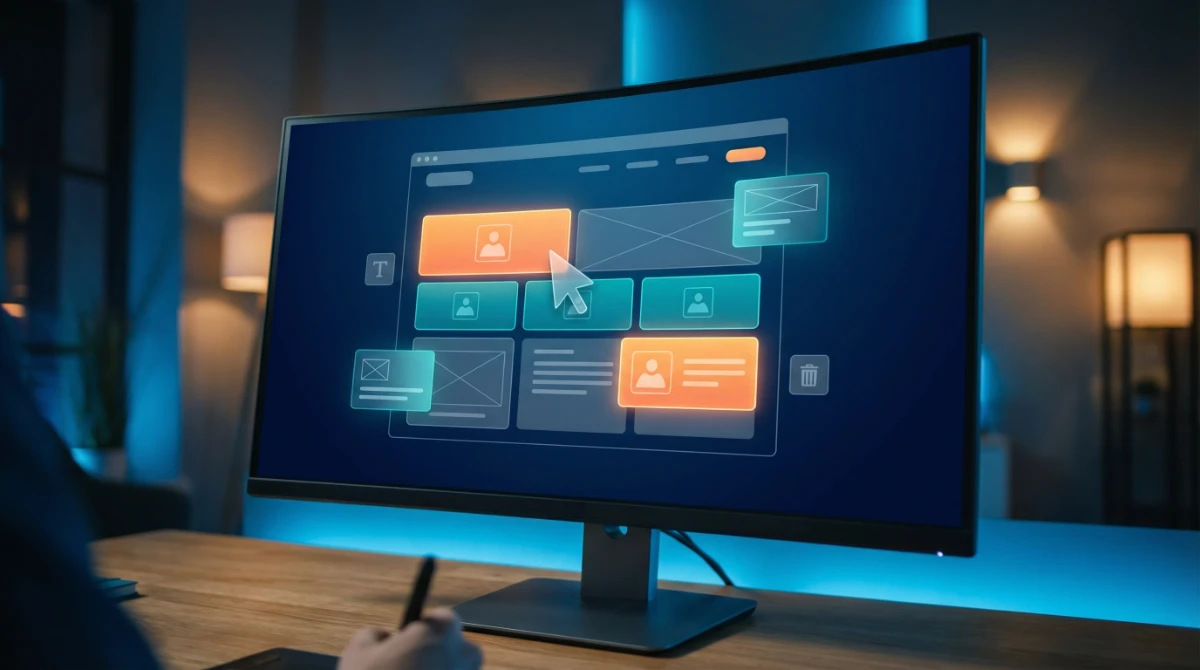
The block editor (Gutenberg) and Full Site Editing (FSE) allows you to build your entire website—from the header and footer to page templates and archives—using the same block-based interface. This is a big shift in how WordPress websites are built, moving away from rigid, theme-based layouts towards a more flexible, modular approach.
For businesses, this means:
FSE is the new standard for professional WordPress development, and migrating from a classic theme to a block theme should be a key consideration for any business looking to modernise its website.
A headless setup separates the WordPress back-end (where you manage your content) from the front-end (what your visitors see).
This is good for businesses that demand the absolute best in front-end flexibility. It allows you to use a modern JavaScript framework like React or Next.js to build a lightning-fast, app-like front-end, while still using the familiar WordPress interface to manage your content.
This approach offers a number of key benefits:

Headless WordPress is incredibly powerful but comes with increased development complexity. We recommend it primarily for enterprise-level businesses or those with strict performance and multi-channel content delivery requirements.
In 2024, a high-profile conflict between WordPress co-founder Matt Mullenweg and hosting giant WP Engine changed the landscape permanently.
It started as a trademark dispute in late 2024 and then escalated into a "governance crisis" where WP Engine was temporarily banned from WordPress.org, and popular plugins like Advanced Custom Fields (ACF) were forcibly forked into Secure Custom Fields (SCF).
While the courts have intervened to restore stability, the "neutrality" of the WordPress open-source project ended.
These events taught us that the infrastructure you choose matters as much as the code you write. We recommend infrastructure independence (using Google Cloud/Kinsta) to ensure your brand is never collateral damage in vendor disputes. Stability is valuable.
For marketing directors, a website cannot exist in a silo. In 2026, WordPress is the central nervous system that feeds your CRM.
A website that doesn't talk to your CRM is a missed opportunity. We build our WordPress sites with deep API integrations to ensure your marketing team has complete visibility over the customer journey from first click to closed deal.
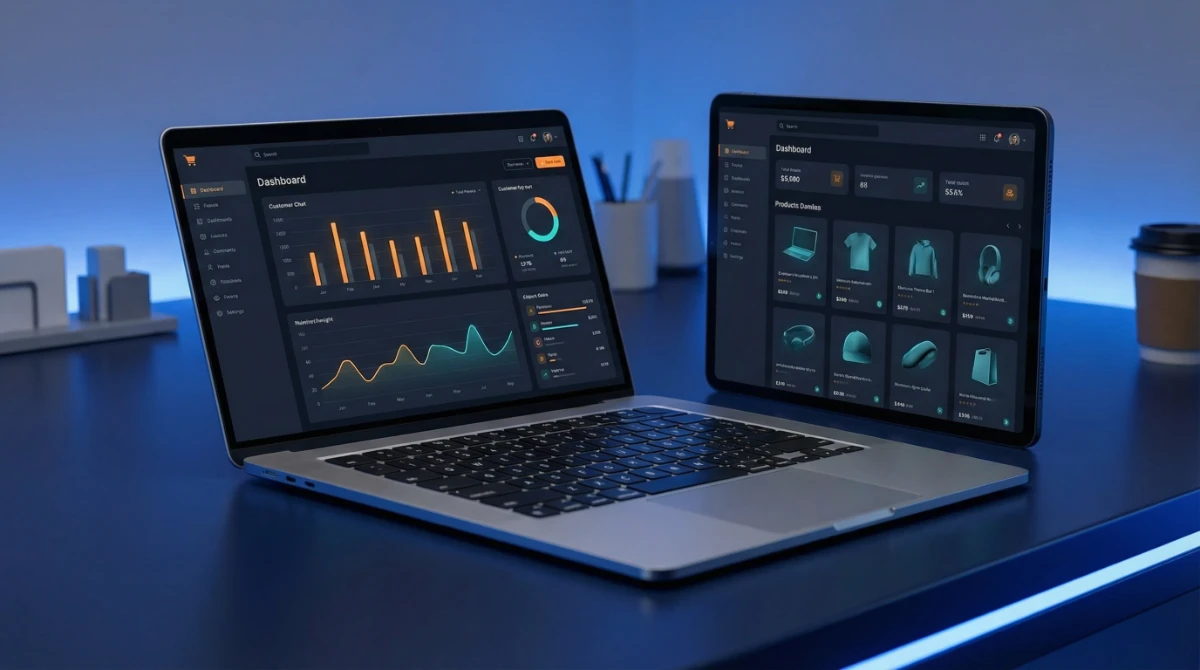
WooCommerce, which powers over 6 million e-commerce shops worldwide, continues to evolve with better integration into the WordPress core, improved performance, and more sophisticated marketing features.
In 2026, we're seeing WordPress move towards native e-commerce capabilities, with commerce features becoming part of the core platform rather than just a plugin.
This means simpler setup, fewer plugin conflicts, and a more reliable revenue system for your business. Whether you're selling physical products, digital downloads, memberships, or subscriptions, WordPress is becoming a complete e-commerce solution that can compete with dedicated platforms like Shopify.
For Australian SMBs, this is particularly important. You can build a complete online store with integrated SEO, content marketing, and customer relationship management, all within a single platform.
WooCommerce is maturing into a robust enterprise solution. By keeping your content and commerce on the same platform, you reduce friction, lower tech stack costs, and create a more seamless experience for your customers.
Released on 12 November 2024, WordPress 6.7 — nicknamed "Rollins" after jazz legend Sonny Rollins — is the most design-focused core update in years. It introduces a wave of new features, design flexibility, and performance enhancements (WordPress.com), with three standout changes Australian businesses should know about.
Zoom Out Mode gives editors a bird's-eye view of the entire page, making it possible to add, rearrange, and swap entire content sections — not just individual blocks (Ollie WordPress). For marketing teams managing landing pages and campaign content, this dramatically speeds up layout changes without needing a developer.
Twenty Twenty-Five, the new default theme, is fully compatible with the Site Editor and ships with high-quality fonts supporting multiple languages, a variety of colour palettes, and an extensive collection of patterns (WP Tavern). It sets the new baseline for what a modern WordPress site should look like out of the box.
Section Styles let you apply unique colours, backgrounds, and typography to individual sections of a page — headers, footers, CTAs — independently of the rest of the site (Ollie WordPress). This is particularly useful for maintaining brand consistency across pages built by different team members.
See how SEO, GEO, and AEO help Melbourne businesses stay visible in AI search.
Compare WordPress care plan costs, inclusions, response times, and risk benchmarks for Melbourne businesses in 2026.
Discover how Fox & Lee compares agency fees, performance benchmarks, and the strategies that drive better Google Ads results in Melbourne.


© Fox & Lee Holdings Pty Ltd 2026